May 28, 2026
.png)
You've always been able to brief creators on what to shoot. Now you can control who shoots it.
Two new features, Private Creators and Blocked Creators, give you direct control over which creators can see and pick up your requests, right from your CrowdRiff Creators settings.
Want to take a break from a specific creator? You can now block them from seeing any of your future requests. Add a creator to your Blocked Creators list and they're excluded immediately.
You can remove a creator from the list at any time to restore their access.
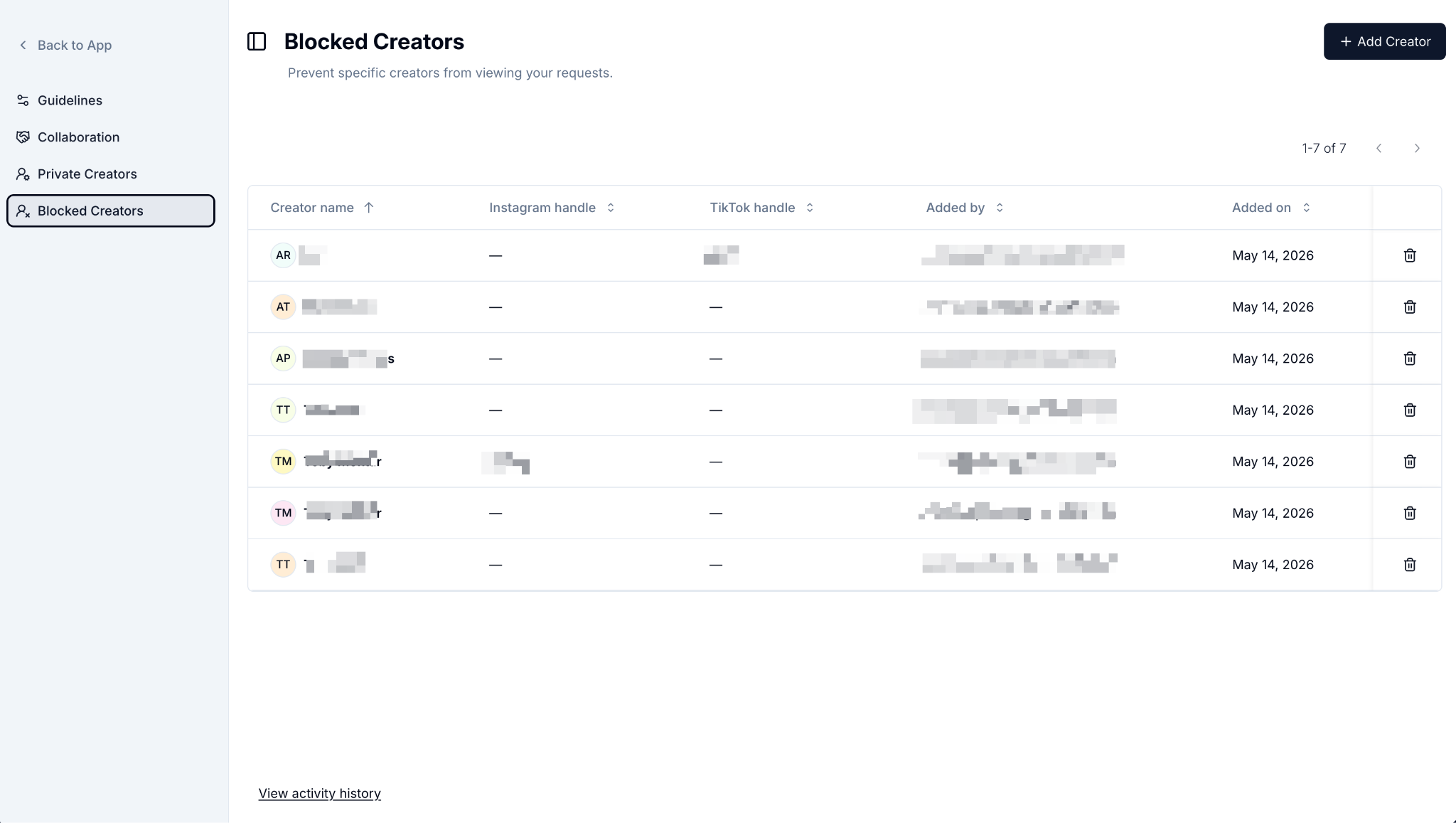
Some brands want to run a fully exclusive creator program: every shoot, every request, reserved for a curated group of creators only. Private Creators makes that possible. Once enabled, all of your requests become invisible to the broader creator marketplace and visible only to the creators on your list.
Because this changes how your entire program operates, it's a decision best made with your Customer Success Manager. Reach out to them to talk through whether it's the right fit and to get set up.
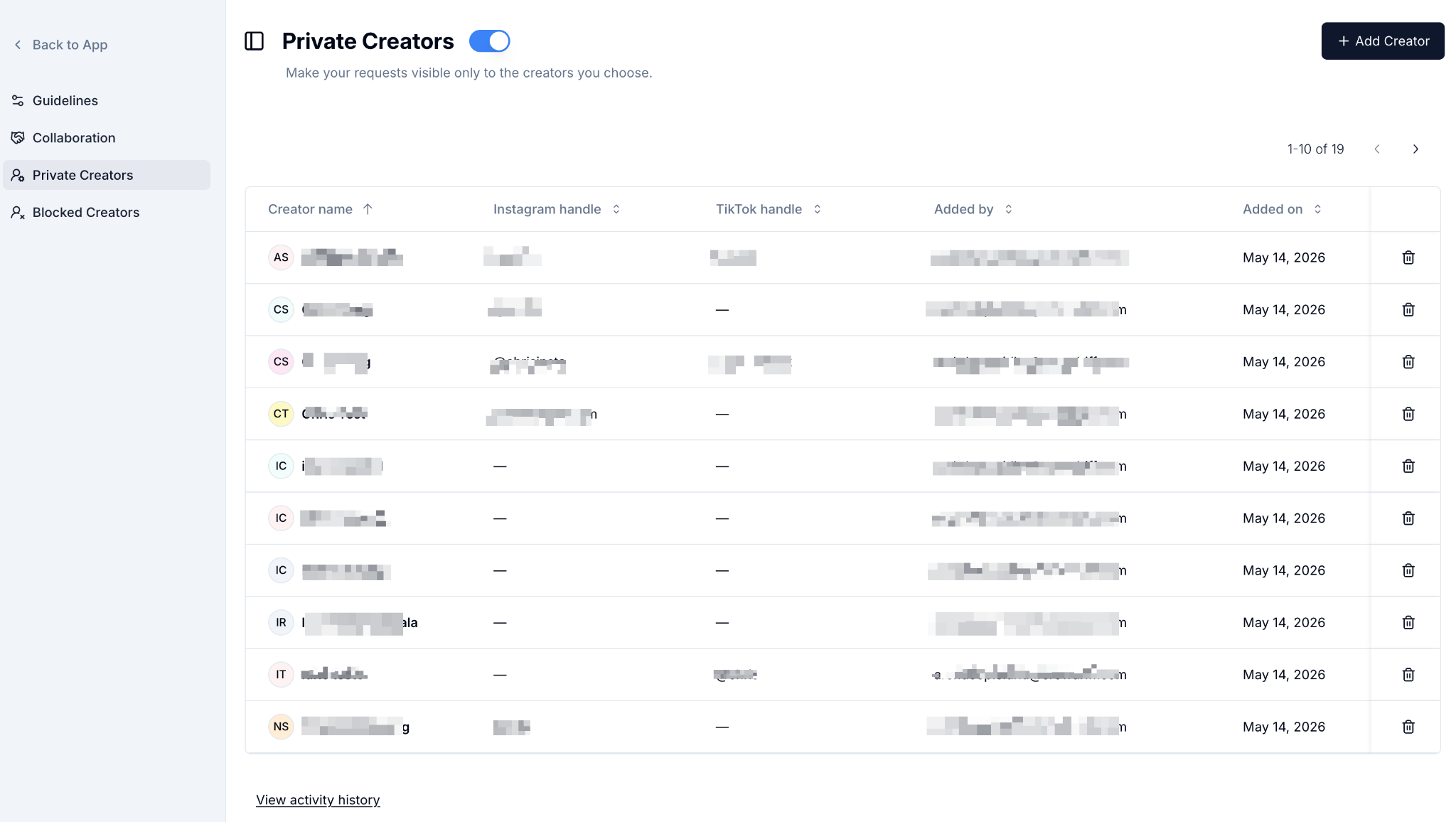
Both lists update in real time. Adding or removing a creator takes effect immediately. Every change is logged with the name of who made it and when, so your team always has a clear audit trail.
To get started, open your settings in CrowdRiff Creators and look for the Private Creators or Blocked Creators pages in the sidebar.
Hop on a 30-minute call and we'll walk you through real content from brands like yours: brief, shoot, and delivery, before you commit to anything.