

We’re making it easier for customers to get Creators content onto their phone.
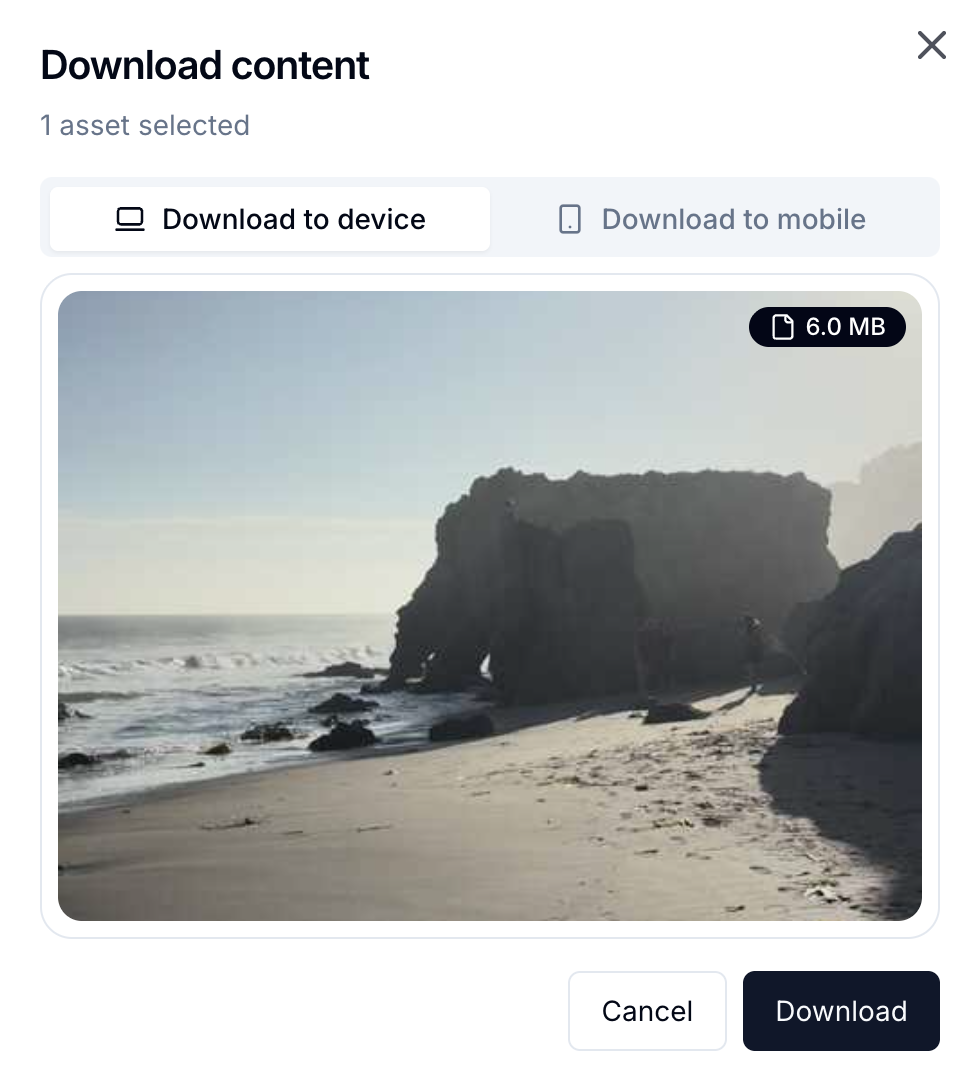
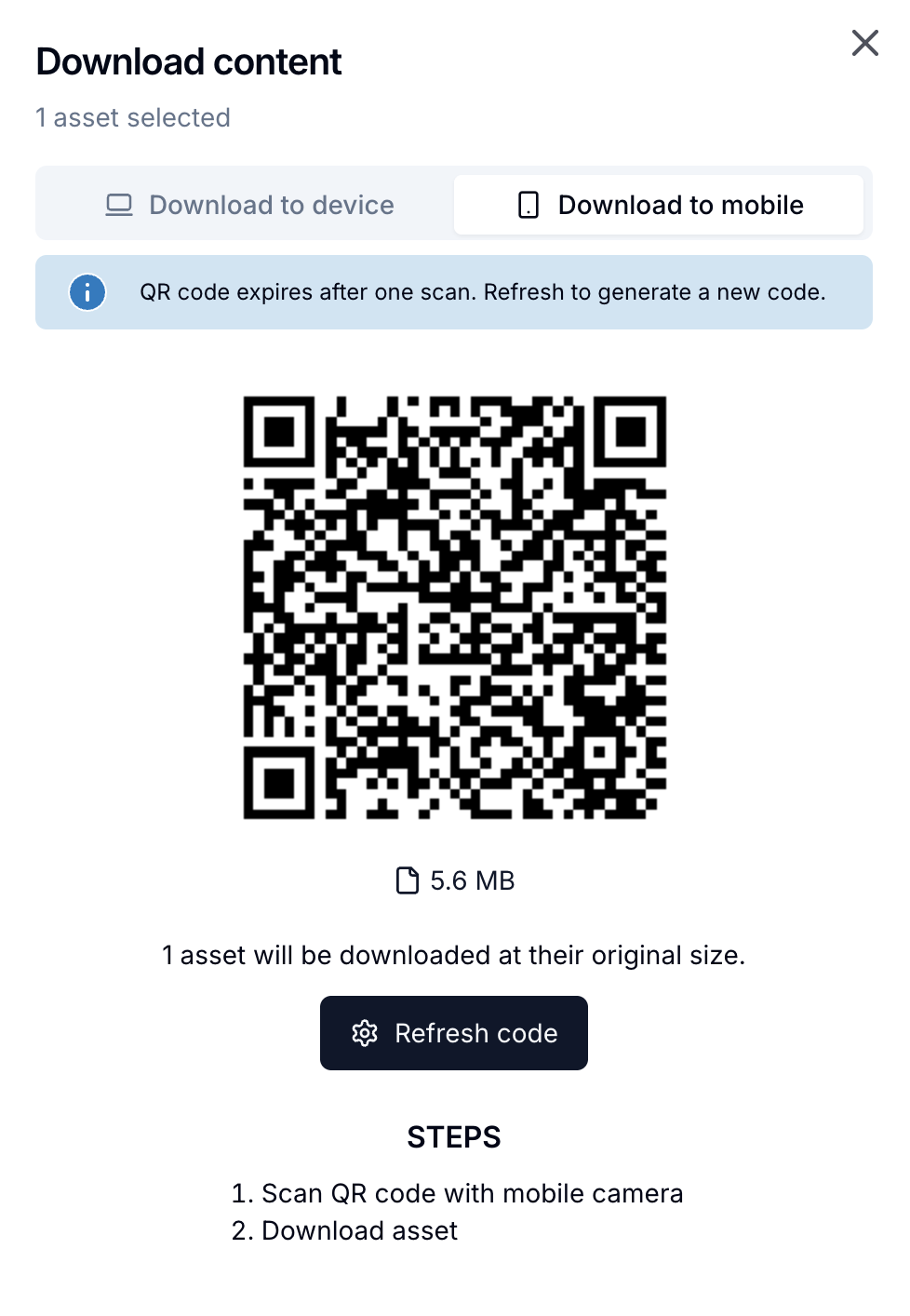
Customers can now open a new download modal with two options: Download to Device or Download to Mobile. Download to Mobile generates a single-use QR code that customers can scan with their phone to download one or multiple selected assets directly to mobile.
This removes the current workaround where customers download assets to desktop first, then transfer them to their phone using email, Slack, Dropbox, Google Drive, or AirDrop.
When you download content in Creators, you'll now see two tabs:
No file transfers through other apps. Just select, scan, and download.
A few details worth knowing:
Download to Mobile is live today. Log in, select an asset, and look for the new download modal.


